Odoo Manufacturing for Job Shops and Repeat Producers
MRP that plans from live demand, work orders operators actually close, and product costs that come out true. We implement Odoo Manufacturing for shops that outgrew spreadsheets taped to machines: CNC and fabrication job shops, contract manufacturers, and producers building the same catalog week after week.
The build starts on your floor, not in a template. BOMs rebuilt against current costs, routings timed on real runs, tablets at the work centers, and one fixed fee in writing before anything gets configured.
- Fixed-fee setup
- Job-shop tested
- Official Odoo Partner


What the Odoo Manufacturing module actually covers
Four working parts, each built rather than switched on. The list below is the same scope draft we mark up after the shop walkthrough.
BOMs and routings
- Multi-level BOMs with subassemblies
- Kits and phantom BOMs where they fit
- Routings mapped to real work centers
- Product variants without duplicate BOMs
Work orders and the shop floor
- Tablet view at every work center
- Start, pause, scrap, done in a tap
- Time tracked per operation
- Drawings and worksheets on screen
Planning and MRP
- Reordering rules for routine buys
- Master schedule from live demand
- Forecasts netted against stock and POs
- Capacity visible before you promise
Costing and quality
- Material, labor, and overhead per unit
- Quality checks at receiving and in production
- Maintenance requests raised from the floor
- Landed costs where freight matters
Where manufacturing implementations go wrong
The same failure modes surface in nearly every troubled rollout we see. Each has a process step that closes it.
BOMs copied from stale spreadsheets
The spreadsheet BOM comes in as-is, old costs included, and every roll-up after that inherits the lie. We rebuild BOMs against current purchase prices, then prove them on a pilot product.
Routings nobody ever timed
Operation times typed in as guesses make the schedule and the labor cost guesses too. Pilot runs get timed for real, and the routing is corrected before anyone plans against it.
Work centers as wishful capacity
Capacity set to the machine’s theoretical maximum, while the real constraint is who is standing at it. The reality check sets calendars and efficiency from actual shifts, so promised dates survive contact with Monday.
Inventory decoupled from production
When stock lives in one tool and work orders in another, components vanish mid-run. Manufacturing has to reserve from the same inventory it consumes, which is exactly how Odoo is built.
Costing method left on the default
Standard, FIFO, or average is a decision with margin consequences, not a checkbox. It gets chosen per product line in scoping, and the first-month costing review confirms it held.
Paper travelers that outlive go-live
The office goes live while the floor keeps its paper, and the system starts describing a shop that no longer exists. Tablets at the work centers go into the day-one scope, so the floor and the office go live together.
Inherited a rollout already stuck in one of these? Taking it over begins with an audit of what you already have.

Odoo MRP, scheduled from live demand
MRP is the planning half of the module. It nets confirmed orders, forecasts, current stock, and incoming purchase orders into one master schedule, then raises the purchase and manufacturing orders the plan requires, for a person to approve. Two mechanisms do most of it: reordering rules for routine buys, and the master production schedule for what you build.
| Day to day | Before | With Odoo MRP running |
|---|---|---|
| Routine buys | Someone remembers, or the line waits | Reordering rules raise the RFQ at the trigger point |
| The build plan | A Monday spreadsheet, stale by Tuesday | The master schedule nets demand, stock, and incoming supply |
| Promise dates | Gut feel and a walk to the floor | Load and material availability checked before you commit |
| Demand shifts | Re-plan by hand, expedite by phone | Replenishment recomputes; the planner approves the changes |
Two honest caveats. The output is only as good as BOM data and vendor lead times, which is why the build order puts data ahead of the planning screen. And a schedule nobody opens changes nothing, so the pilot month includes your planner running a real week in it.
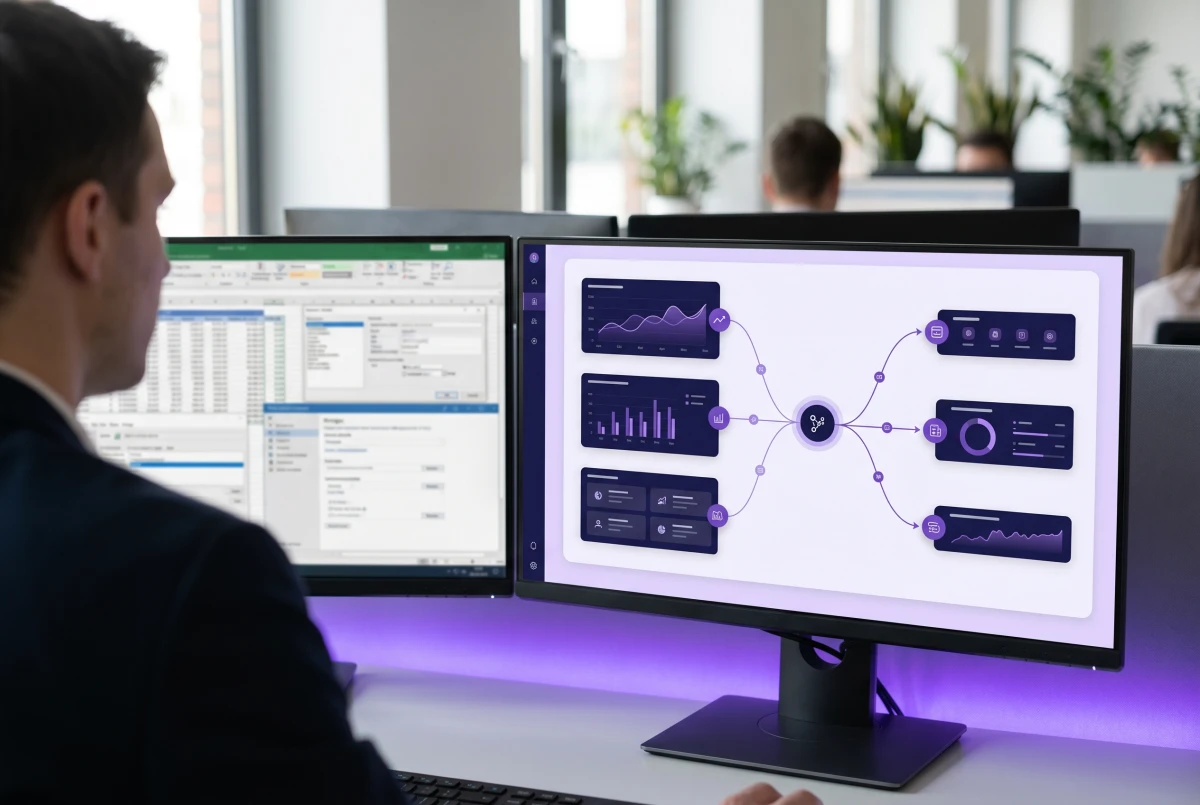
Once the schedule is live, the same records feed production reporting, and shops that want dashboards across plants or sales channels wire them into Power BI.
From shop walkthrough to a costed first month
Six steps, run so the floor adopts the system instead of working around it.
 01
01Shop walkthrough
We walk the floor and map how the day runs: product families, machines and operators, where the paper travelers live, and which spreadsheet sets the schedule. The fixed fee is scoped from what we see on this walkthrough.
- 02
BOM and routing build
Bills of materials get rebuilt against current purchase costs rather than copied from the spreadsheet, subassemblies and kits included. Routings map each operation to a work center, with first-pass times your leads agree to on the record.
- 03
Work-center capacity reality check
Capacity comes from staffed shifts and honest efficiency, not nameplate speed. Calendars, planned downtime, and outside operations go in now, so the schedule that comes out is one the shop can keep.
- 04
Pilot product line live
One product family runs end to end in staging: order, manufacturing order, work orders, consumption, cost roll-up. Times get corrected from real runs, and the pilot decides what changes before the rest of the catalog follows.
- 05
Shop-floor tablets and training
Tablets go up at the work centers and operators train on their own parts, not demo data. Start, pause, scrap, done. The paper travelers retire the same week; two systems of record is one too many.
- 06
Costing review after the first month
After a month of live running we sit down with the actuals: cost roll-ups against expectations, variances chased to their cause, the costing method confirmed, and reports tuned to what your managers check.





What it costs to put the shop on Odoo
One fixed fee covers the implementation, agreed in writing after the shop walkthrough. Licensing is a separate line you pay to Odoo, and both numbers are on the table before you commit to anything.
| Implementation and setup | One fixed fee scoped from the walkthrough, delivered as part of an Odoo implementation plan; item masters, BOMs, and opening stock included, with no hourly billing |
| Odoo licensing (paid to Odoo) | From $31.10 per user per month (Standard, US, billed yearly), every Odoo app included. The Odoo pricing page has the full license math |
| Machines and integrations | Scales, label printers, CAD, or an existing MES get a planned connection through our integration services |
| Ongoing support | Flat-rate HERO plans from $250 a month, starting with a one-month, no-obligation trial |
Two things move the fee: how deep the BOMs go and how many work centers need tablets and training. Both are visible on the walkthrough, which is why the price follows it. If a quote you are comparing runs on an hourly meter, ask who pays when the routing times turn out to be guesses.
CASE STUDY
One database is the whole trick: orders, stock, and the floor agree
The closest public story to a production floor is about order flow. A US wholesale distributor was rekeying orders between disconnected tools; after the rebuild, orders move through one database with no duplicate entry. Work orders live or die by the same mechanics, one system reserving the stock it consumes.
Manufacturers are our densest client group, from CNC shops to process lines. The manufacturing industry page shows how the whole vertical runs, and named stories, Armor Concepts and Looseleaf among them, sit with the case studies.
Why manufacturers choose Index World
The people who scope your build are the people who deliver it, and manufacturing is where our client base runs deepest. The method is the same workflow-first discipline behind our ERP consulting practice, applied to a shop floor.
- Official Odoo Partner since 2018Verifiable in Odoo’s partner directory, with implementations running across three continents.
- One in-house team of 100+Consultants, developers, and support under one roof. Nothing subcontracted, nobody learning on your project.
- Fixed fees, in writingScope agreed before the build starts; a one-month, no-obligation trial removes the risk.
Odoo on the shop floor, answered.
Does Odoo have a manufacturing (MRP) module?
Yes. The Manufacturing app, which Odoo also calls MRP, covers bills of materials, work orders, routings, and work centers, with a tablet view for the floor. Quality checks and maintenance run as connected apps in the same database, next to inventory, purchasing, and accounting.
Is Odoo good for small manufacturers and job shops?
Yes, and job shops are a sweet spot of ours. Configurable BOMs, engineer-to-order flows, and project-linked manufacturing cover one-off work, while repeat producers lean on reordering rules and the master schedule. Several of our manufacturing clients run exactly this way.
Can Odoo handle multi-level BOMs and work orders?
Yes. BOMs nest through subassemblies to whatever depth your products need, with kits and phantom BOMs where they fit. Each manufacturing order breaks into work orders per routing operation, tracked at the work center with time recorded per step.
What is the difference between Odoo MRP and a full MES?
Odoo MRP plus the shop-floor tablet view covers what most small and mid-size shops need: planning, work orders, time tracking, and quality checks. A dedicated MES earns its keep in high-automation plants that need machine-level signals and line control; there, Odoo runs the business layer and the MES integrates into it. We will tell you plainly which side of that line your shop is on.
Can operators use it on the floor?
That is the test we design for. The work-order screen runs on a tablet at the work center: start, pause, scrap, done, with drawings and worksheets on the same screen. If a step needs a manual, the step is designed wrong, so we build the steps with the operators who will run them.
How does it connect to inventory and purchasing?
Natively, which is the point of an ERP. Work orders reserve components from the same stock receiving puts away, consumption posts as it happens, and MRP raises purchase suggestions when demand outruns supply. The Odoo Inventory page covers that side in detail.
What does implementation cost?
A fixed fee agreed in writing before work starts, scoped from the shop walkthrough, with no hourly billing at any point. BOM depth, the number of work centers, and machine integrations are what move it. Odoo licensing is separate, from $31.10 per user per month on the Standard plan (US, billed yearly).
Which Odoo plan do we need for manufacturing?
Standard includes every Odoo app, Manufacturing among them, at $31.10 per user per month (US, billed yearly). The Custom plan at $61 adds multi-company, external API access, and Odoo.sh or on-premise hosting, which larger plants sometimes need. We size that decision during scoping, before you buy licenses.
Tools & Frameworks
We build on the platforms your business already runs on: Odoo, Sage, NetSuite, Dynamics, QuickBooks, Power BI and more, to deliver systems that keep working as you grow.