



Retail ERP That Connects Every Store to Head Office
Index World helps single stores and multi-store chains connect selling, stock, buying and finance into one way of working, so the till, the stockroom, the buying team and the books all read from the same record. We start by mapping how your shops actually trade, then fix the process before the technology. Most retailers go live in 8 to 12 weeks.
When a sale happens at the counter, stock moves, the reorder point updates, the customer record grows and the accounts post themselves. No re-keying at the end of the day, and no waiting until month end to find out how a store performed.
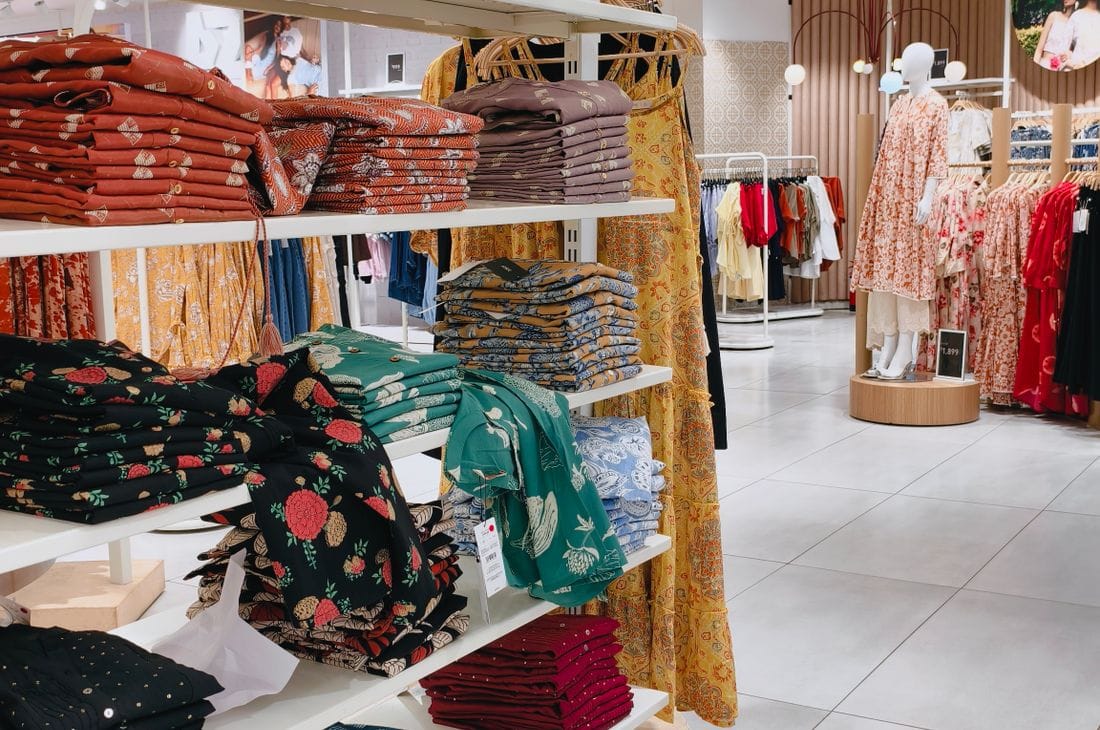

Built for How Shops Actually Trade
Follow one product, SKU 8840, through a single trading day.
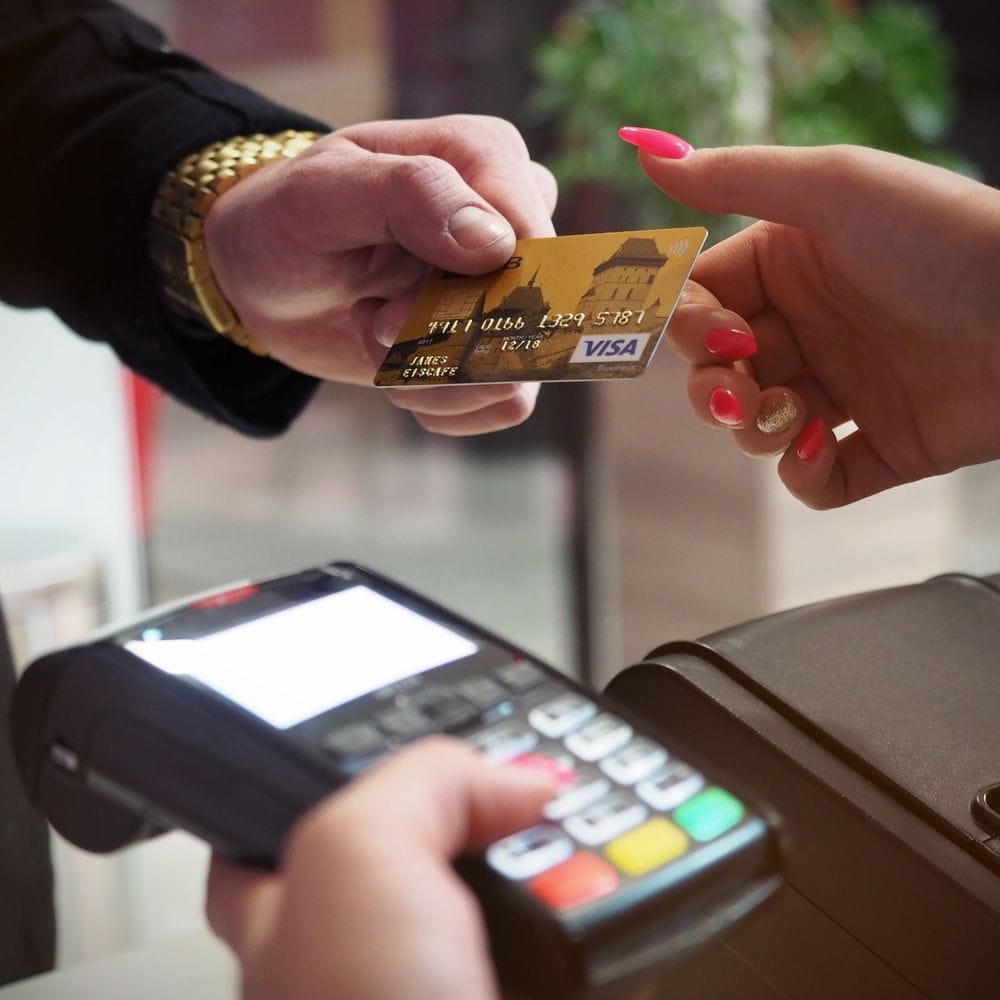
Selling at the Till
9:12am. A jacket, SKU 8840, scans at the till in the Leeds shop. That scan moves stock, posts the sale to the accounts and, if the customer is a member, remembers it. Nobody re-types the day at closing.

Stock You Can Trust
By 11am the last one in Leeds is gone, so the shirt beside it drops to two and the website stops promising four. One stock pool, updated by whoever touched it last, store or online.

Buying and Replenishment
8840 hits its minimum. The reorder raises itself against the supplier who actually delivers on time, and lands with real freight and duty on it, so the cost you price from is the cost you paid.

Shop Floor and Pricing
Friday the promotion starts on its own and ends itself on Sunday night. Nobody keys it into four back offices, and nothing is still selling at the sale price three weeks later.

Customers and Loyalty
The same shopper buys online on Tuesday and returns in store on Saturday. It is one customer record, so the refund posts against the original order and the loyalty balance is still right.
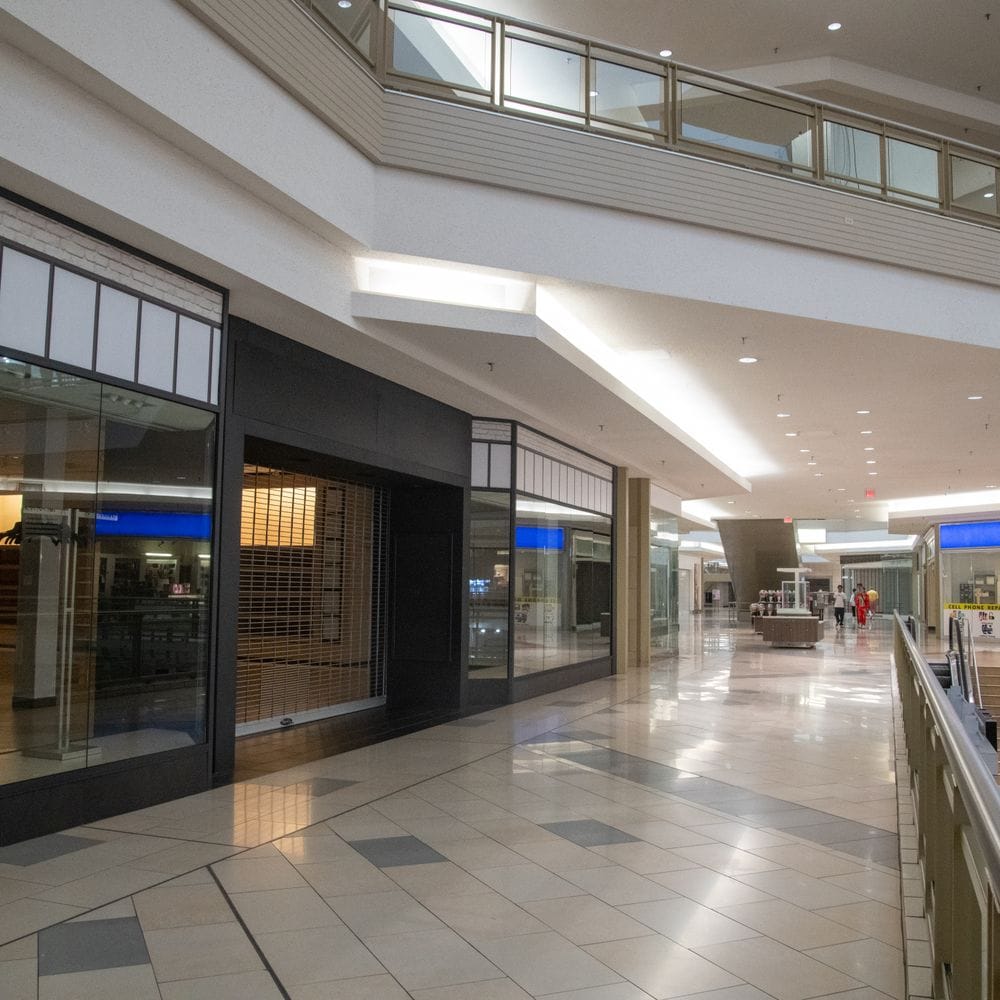
Opening New Stores
Store four opens with the pricing, products and reporting of the other three on day one, and head office sees its trading in the same view rather than in a separate spreadsheet.

What Is Retail ERP?
Retail ERP is one system behind the tills: stock across every store and the warehouse, purchasing, pricing and promotions, sales, and the accounts that reconcile them. Your point of sale takes the money. This makes the rest of the business agree about what just happened. What retailers want from a retail ERP system is simple: the numbers agree, and nobody re-keys the day.
For most of our clients the job is exactly that swap: one system that the counter, the stockroom, the buying team and the bookkeeper all work in.
We configure the counter, stock, supplier orders, customer accounts and the books around how your shops already trade, rather than asking staff to change how they serve customers. Retailers who also sell online can run the same catalogue through multiple sales channels, and those supplying trade customers as well as walk-in shoppers can add wholesale and distribution on the same system.
Why it matters
Most retail problems are not really software problems. They are the same number living in three places. When the till, the stockroom and the accounts all read from one record, a manager can answer what sold, what is left and what it earned without asking three people and waiting a day. That is why our implementation approach starts with how you trade rather than with the software.
What Retail ERP Systems Have to Solve
Your till and your stock never agree
The counter records the money and something else records the goods. By the time the two are compared, usually at month end, nobody can remember which one was wrong or why.
Nobody knows what is actually on the shelf
Staff promise a customer an item the system says is in stock and the stockroom cannot find. Sales walk out of the door because of stock that exists on paper only.
Reordering is a guess
Buying decisions get made from memory and gut feel. Fast lines run out during your busiest week while slow lines sit in the stockroom tying up cash.
Every branch runs slightly differently
Each store has its own habits, its own spreadsheet and its own way of handling returns. Head office cannot compare performance because no two shops record the same thing the same way.
Discounts quietly eat the margin
Staff markdowns, loyalty offers and clearance deals get applied at the counter without anyone tracking what they cost. Revenue looks healthy while profit slips.
Month end takes weeks
Closing the books means chasing till reports, supplier invoices and stock counts from every location. By the time the numbers are ready, the month they describe is long gone.
Retail ERP Software, Function by Function
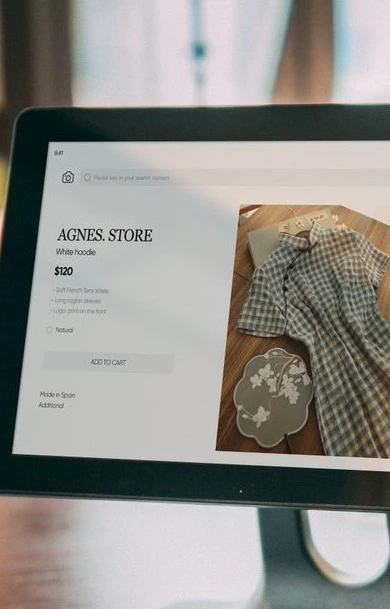
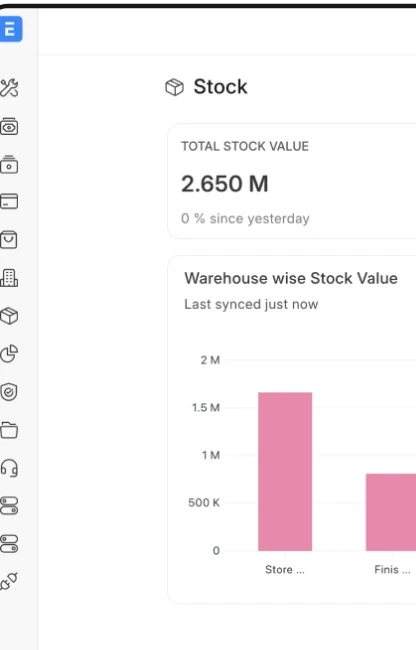
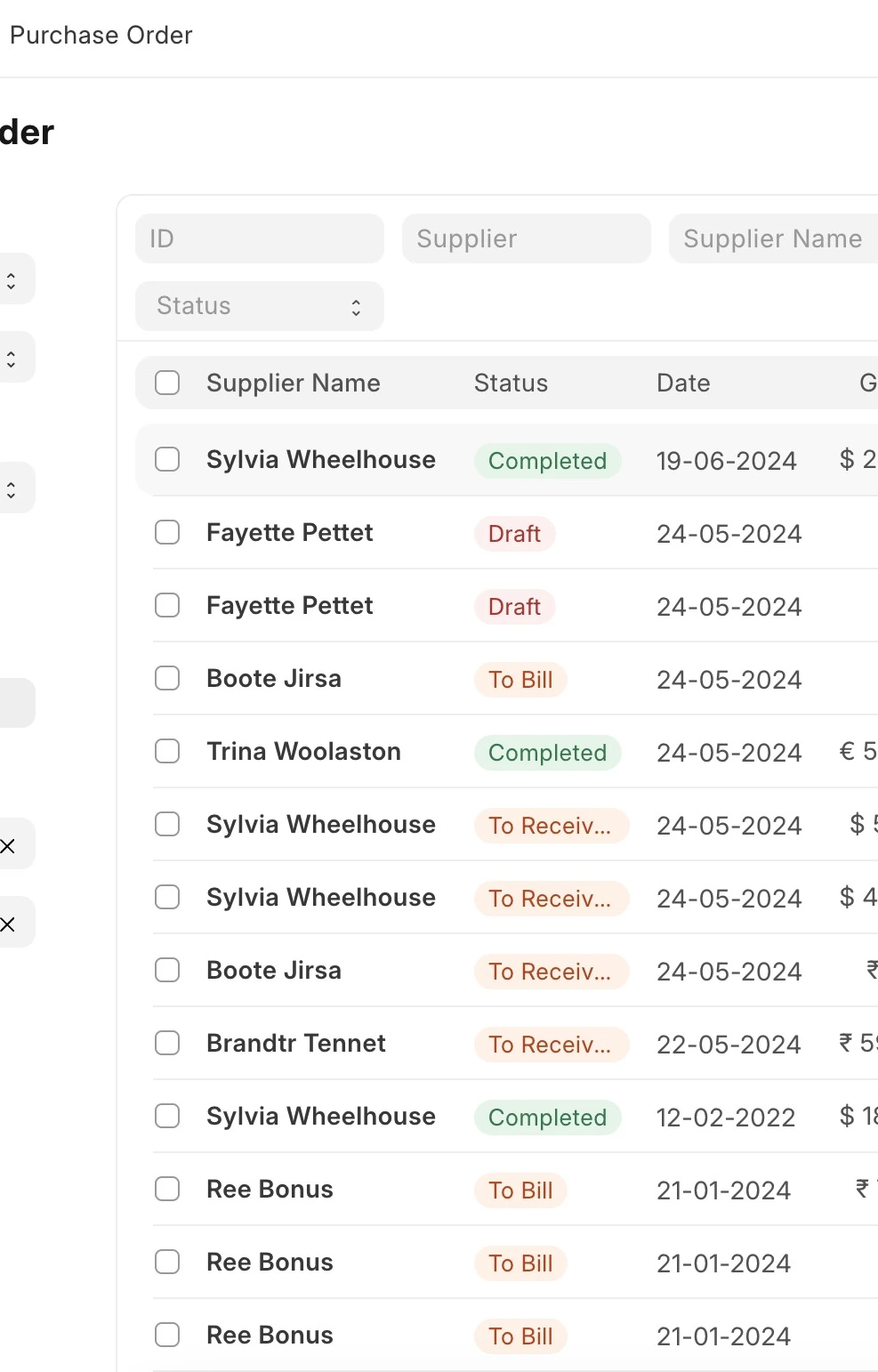
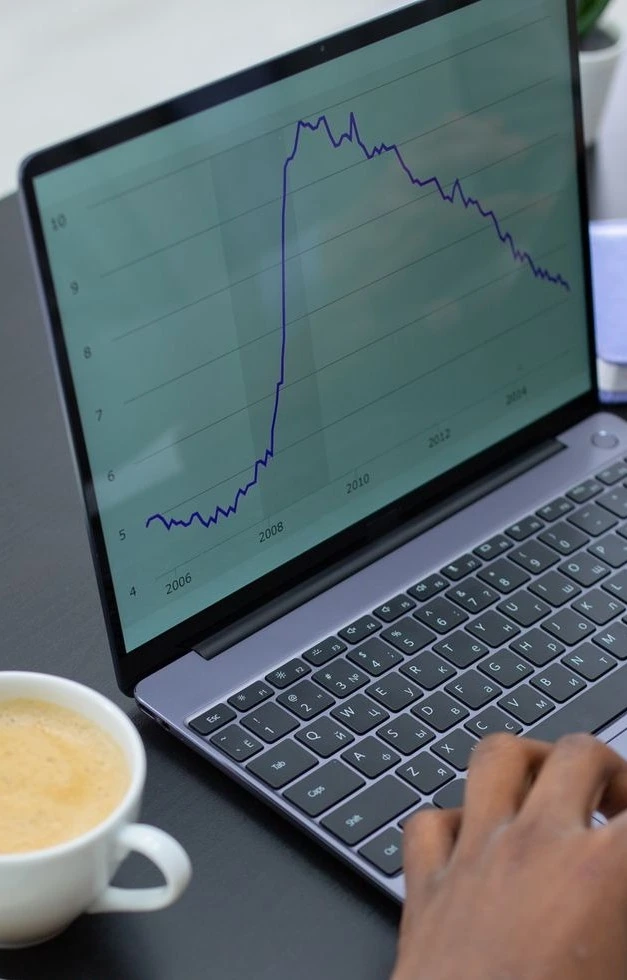
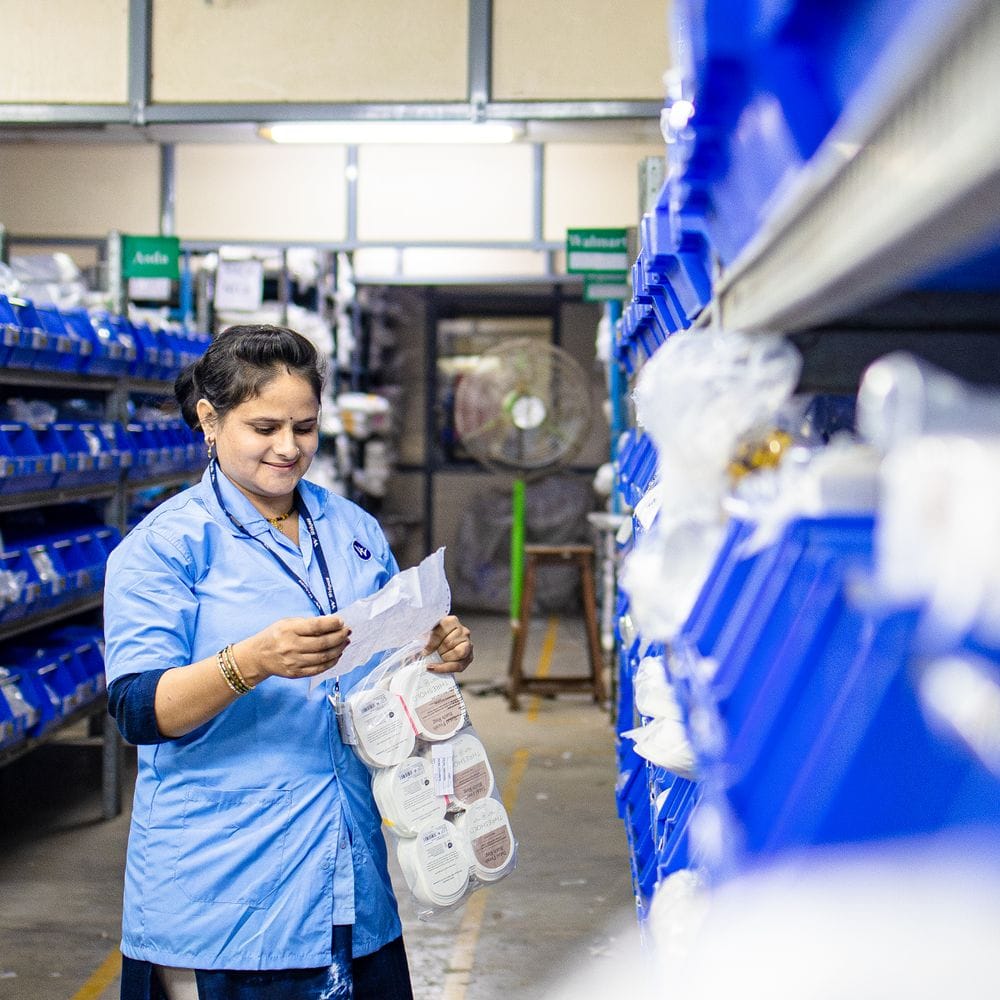
Every role, working from the same numbers
What changes day to day, depending on where you sit.
See your own numbers: Open the day with yesterday’s takings, basket size and stock position for your store, without emailing head office.
Fix stock issues yourself: Request a transfer from a nearby branch, log a write off or start a section count without raising a ticket.
Run the floor from the floor: Staff hours and till sessions are recorded where the work happens rather than on a clipboard.
Close the day in minutes: Cash up once and the figures go straight to accounts with no second entry.
Compare stores fairly: Every location records the same things the same way, so a ranking actually means something.
Push prices centrally: One change reaches the tills you choose and retires on schedule, so nobody drives to a store to fix a shelf label.
Spot problems while they matter: Slow lines, unusual discounting and stock gaps show up in days rather than at quarter end.
Open a new store from a template: New locations inherit your catalogue, pricing and process instead of being built from scratch, and the same catalogue can drive your online channels.
Buy from data: The reorder suggestion arrives before the gap does, per store, so seasonal lines stop being a memory test.
Hold supplier terms in one place: Prices, minimum order quantities and delivery times sit on the product for everyone to see.
Track what is on order: Know what is coming, from whom and when, so you stop double ordering just to be safe.
See what your buying earned: Margin by supplier and category, so negotiations are backed by numbers. If you also supply trade customers, the same buying feeds wholesale and distribution.
Stop rekeying till reports: Sales post to the ledger as they happen, so the day is already booked before anyone opens a spreadsheet, with ongoing bookkeeping support if you want it.
Value stock with confidence: Stock on hand is costed consistently across every location, so your balance sheet is defensible.
See margin after the real costs: Freight, duty and discounts are included in the figure, not bolted on afterwards.
Close faster every month: Reconciliation becomes checking rather than rebuilding.
Learn the till in an afternoon: The counter screen is simple enough that seasonal staff are serving customers on day one, backed by recorded team training.
Answer stock questions honestly: Check another branch from the till instead of guessing or over promising.
Handle returns without a supervisor: Pull up the original sale and process it within the rules you set.
Spend less time on paperwork: Counting, cashing up and transfers all happen in the same place you already work.

How It Works, Your Path to Go-Live
A path we have run many times with retailers, built so your shops keep trading throughout. We build most often on Odoo, where we are a certified partner and hold the deepest bench, and we also deliver Sage, NetSuite, Microsoft Dynamics and ERPNext. The recommendation comes after the store walk, never before it.
- Discovery & process auditWe spend time in your stores and your back office, watching how you actually sell, count and buy before we recommend anything.
- Solution designWe map your trading process and agree in writing what stays the same, what improves and what needs building, before any work starts.
- Build & configureWe set up tills, stock locations, pricing and accounts, migrate your products and customers, and test with your own data rather than samples. If you are moving off an older system, we scope both together.
- Train & go liveWe train counter staff, managers and head office separately because they need different things, then go live store by store so the risk stays small.
- Optimize & growAfter go live we tune reorder rules, reporting and new store rollouts as your business changes.

How ERP Supports Omnichannel Retail
Omnichannel breaks on one thing: two systems believing different numbers about the same shirt. An ERP built for the retail industry fixes it by holding one stock pool that the shop floor, the website and the stockroom all read and all update.
Then the awkward parts become ordinary. Buy online and collect in store: the reservation comes off shop stock, not warehouse stock. Return in store what was bought online: the refund and the stock movement land against the original order. Ship from the branch that actually has it. This is where ERP in retail earns its keep, and it is the same backbone our multi-channel work runs on.
What ERP for Retail Stores Changes
Price lists live in one place and publish outward: base price, channel price, member price, the markdown that starts Friday and ends itself on Sunday night. At branch level, nobody keys a promotion into four back offices, and nothing keeps selling at the sale price three weeks later.
Margin is checked against real landed cost, not the cost someone typed last season, so a promotion that would sell below water gets flagged before it runs. For chains, the same system lets a branch hold local pricing without breaking the group view leadership reports on.
Keep the Tools Your Stores Rely On
Most retail ERP solutions ask you to replace everything first. We connect what already works instead, and retail integration support sits inside the same fixed monthly fee, so nothing on this list becomes a change request.
Your online store
Shopify, WooCommerce, BigCommerce
Web orders arrive as emails or CSV exports and get re-keyed into stock and accounts.
Orders, stock and customers sync both ways, so the site never sells what the shelf no longer has.
Tills and card terminals
Square, Lightspeed, Clover, Stripe
Each till holds its own day of takings and reconciliation happens after closing, by hand.
Every sale lands against the right store, product and payment method as it happens.
Marketplaces
Amazon, eBay, Walmart Marketplace
Listings oversell because marketplace stock is counted separately from the shop floor.
Retail inventory is counted once and feeds every channel, with fees, returns and settlements posted to the right accounts.
Accounting
QuickBooks, Xero
Sales summaries are exported monthly and rarely match what the tills actually recorded.
Invoices, refunds and card fees post as they happen, so the month closes without a reconciliation week.
Deliveries and carriers
UPS, FedEx, ShipStation
Labels are bought on a separate portal and tracking numbers get pasted back into orders later.
Labels print from the order, tracking reaches the customer automatically, and shipping cost sits on the margin.
Suppliers and price files
EDI, supplier portals, cost files
Cost changes arrive as spreadsheets and get applied late, so shelf margin quietly drifts.
Price files load against the right products, so cost changes reach margin before you sell at the old price.
Using something not listed here? If it has a way to connect, we can almost certainly join it to your system. Tell us what you run →
Do not see the tool you run? An open API means if it can talk, we can connect it.
Five Tools Today. One System After.
This is the swap retailers actually make: the till stays, the pile behind it goes.
What the business runs today
- A till that knows today and forgets the rest
- Stock counted per store, reconciled monthly, trusted never
- Promotions keyed separately into every channel
- Supplier costs in a spreadsheet the buyer owns
- Head office waiting on branch reports to know the week
What it becomes on one system
- The till keeps selling, and every sale updates one stock pool
- One stock figure per product, live, across stores and online
- One price list that publishes everywhere and expires itself
- Landed cost on the product, so margin is true at the line
- Head office sees the day while it is still today
The point of sale you like can stay. We connect it and replace what sits behind it, one workflow at a time. See how a platform switch runs.
Got questions? We’ve got answers.
Will this work with the till hardware we already have?
In most cases, yes. The counter runs in a browser and supports common receipt printers, barcode scanners, cash drawers and card terminals. We check your existing hardware during the audit and tell you plainly what will carry over and what will not, before you commit to anything.
How long does a retail implementation take?
Most single site retailers go live in around eight to twelve weeks. Multi store groups take longer overall, though we go live one store at a time so you are trading on the new system early rather than waiting for everything at once. The honest answer depends on how clean your product data is, which we assess in the first two weeks.
Can it handle several stores, currencies and tax rules?
Yes. Multiple locations, companies, currencies and tax jurisdictions run in one system, with head office reporting across all of them. Each store can carry its own pricing and its own stock while still sharing a single product catalogue.
What happens if the internet goes down mid trade?
The till keeps working. The counter holds the session locally and carries on taking sales and payments offline, then syncs everything back to the central system when the connection returns. Nothing is lost and nobody has to write orders down on paper. You can see how we handle go-live risk across our client case studies.
What is retail ERP?
Retail ERP is the system behind the till: one stock figure across stores and warehouse, purchasing and true landed cost, pricing and promotions, sales, and accounts that reconcile without a monthly archaeology dig. The point of sale takes the money. Retail ERP is what makes the rest of the business agree about what just happened.
How does ERP support omnichannel retail operations?
By holding one stock pool that stores, the website and the stockroom all read and update. Buy online and collect in store takes the reservation off shop stock; a store return against an online order refunds and restocks correctly; orders ship from the branch that actually has the item. Without one pool, omnichannel is two systems disagreeing politely.
How does retail ERP manage pricing?
Price lists live in one place and publish outward: base, channel, member, and time-boxed promotions that start and end themselves. Margin is checked against real landed cost, so a promotion that would sell below water is flagged before it runs, and branches can hold local pricing without breaking the group view.
How do you choose the right ERP for a retail company?
Start where the money leaks rather than with a feature list: stock accuracy across locations, true landed cost, promotion control, and how your point of sale will connect. Then test each candidate against those four. Asked for the best ERP for retail, our honest answer is that fit beats brand, and we will tell you when the system you already run is worth keeping.